File Comparison within Visual Studio
28 July 2017
Categories: Visual Studio
Posted in: Visual Studio, File Comparison
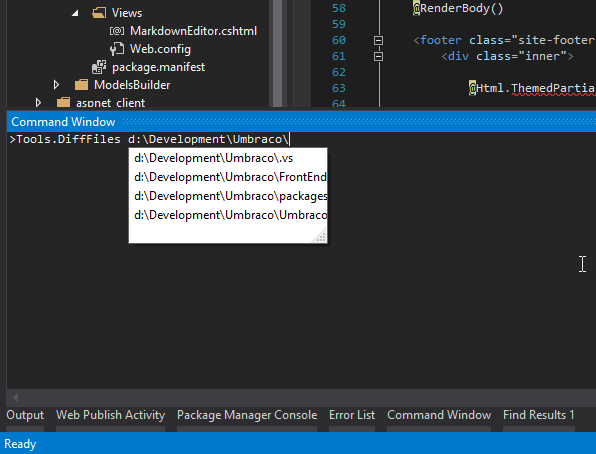
I've seen many colleagues install all sorts of fancy software and plug-ins to be able to compare two files, but you can do that easily from within Visual Studio.
Open a Command Window (menu View/Other Windows/Command Window or CTRL+W, A) and type Tools.DiffFiles followed by the two paths to be compared:
Tools.DiffFiles D:\Temp\File1.cs D:\Temp\File2.cs
The window is very smart and will provide you with auto-complete suggestions as soon as you start typing the file paths.
...hope this helps :)