Swapping two widgets in Flutter, inverting their positions with or without animation
12 August 2020 (updated on 01 June 2022)
Categories: Software Development
Posted in: Flutter, Dart, Android, iOS, Web, Widget
Goals
-
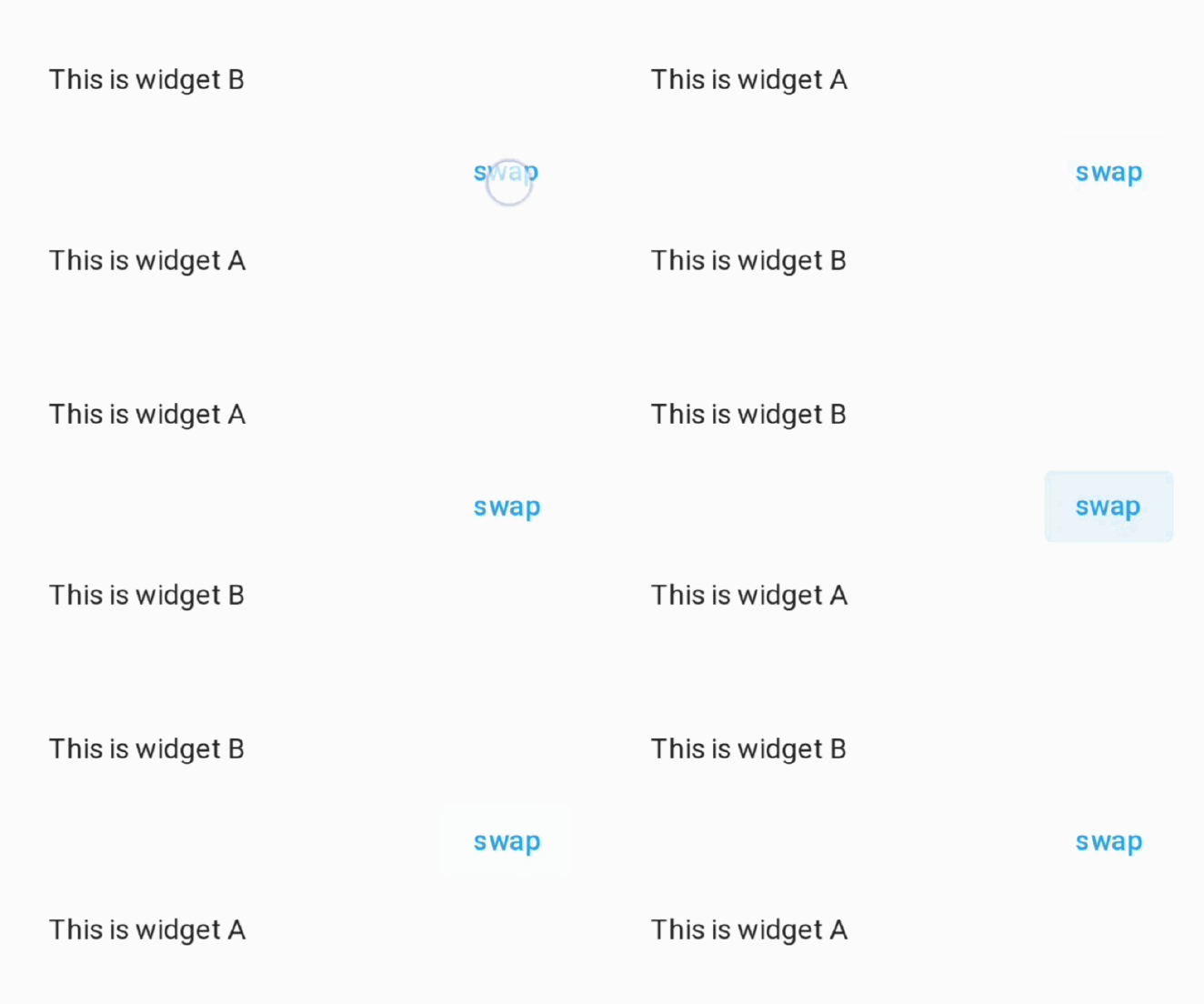
Invert the position of two widgets
-
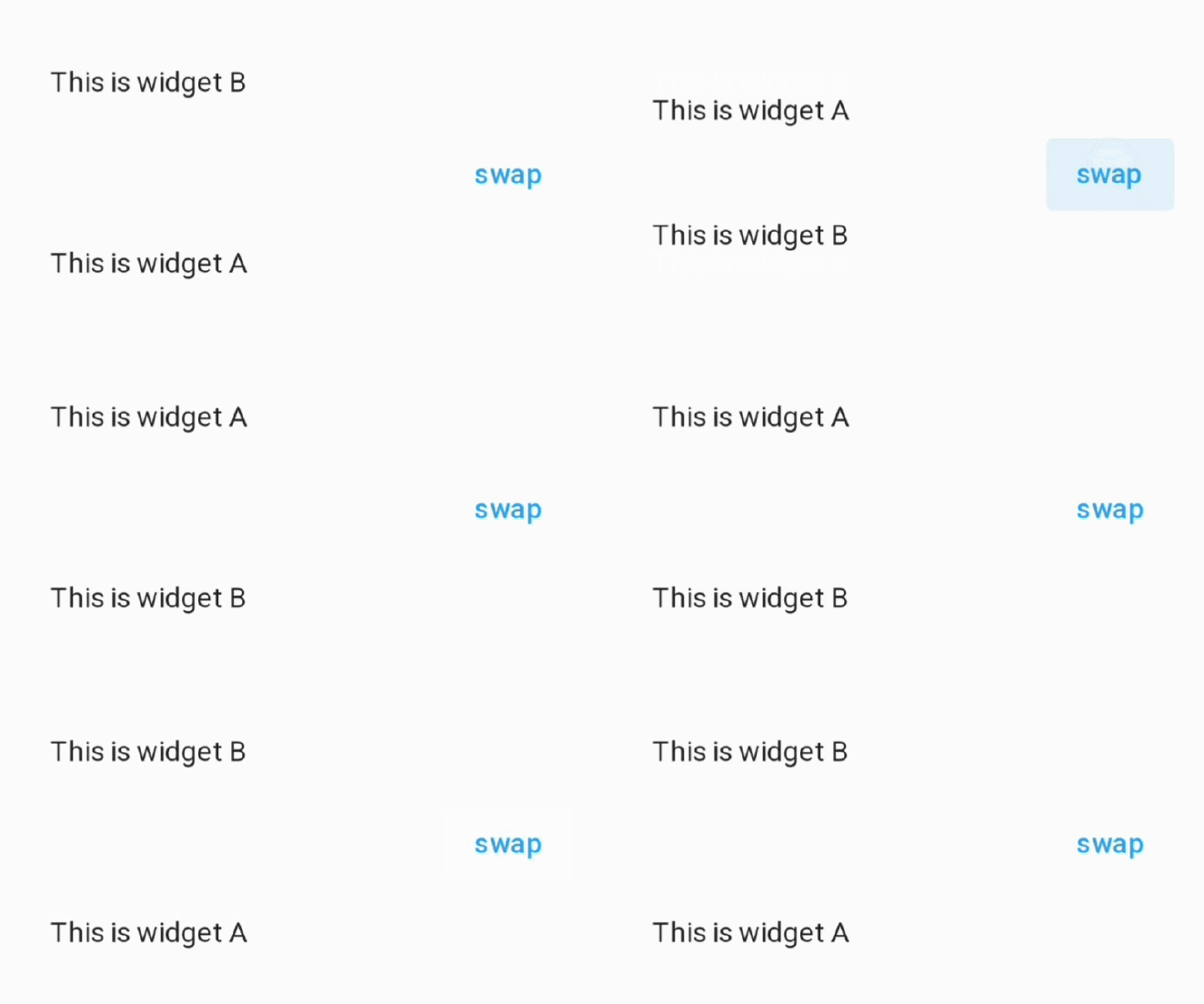
Invert the position of two widgets with animation
Inverting two widgets in Flutter, swapping their positions with or without animation
If you want to swap two widgets in Flutter (like swapping two addresses on Google Maps) you can use the Stack and Positioned widgets, optionally adding an animation effect.
In this article I will show you two examples:
- the first code sample simply swaps the two widgets, so that their positions on the screen are inverted.
- the second code sample achieves the same result with an animation effect, obviously more pleasing to the eye.
Swapping two widgets (no animation)
This sample code inverts the position of two widgets (it swaps their place on the screen) when the user taps a button.
Swap two widgets with animation
This sample code inverts the position of two widgets (it swaps their place on the screen) by moving them with an animation when the user taps a button.
I hope you have enjoyed learning how to swap two widgets. You can find more useful Flutter articles here in my blog: https://alex.domenici.net/tags/flutter
Happy Coding ;)